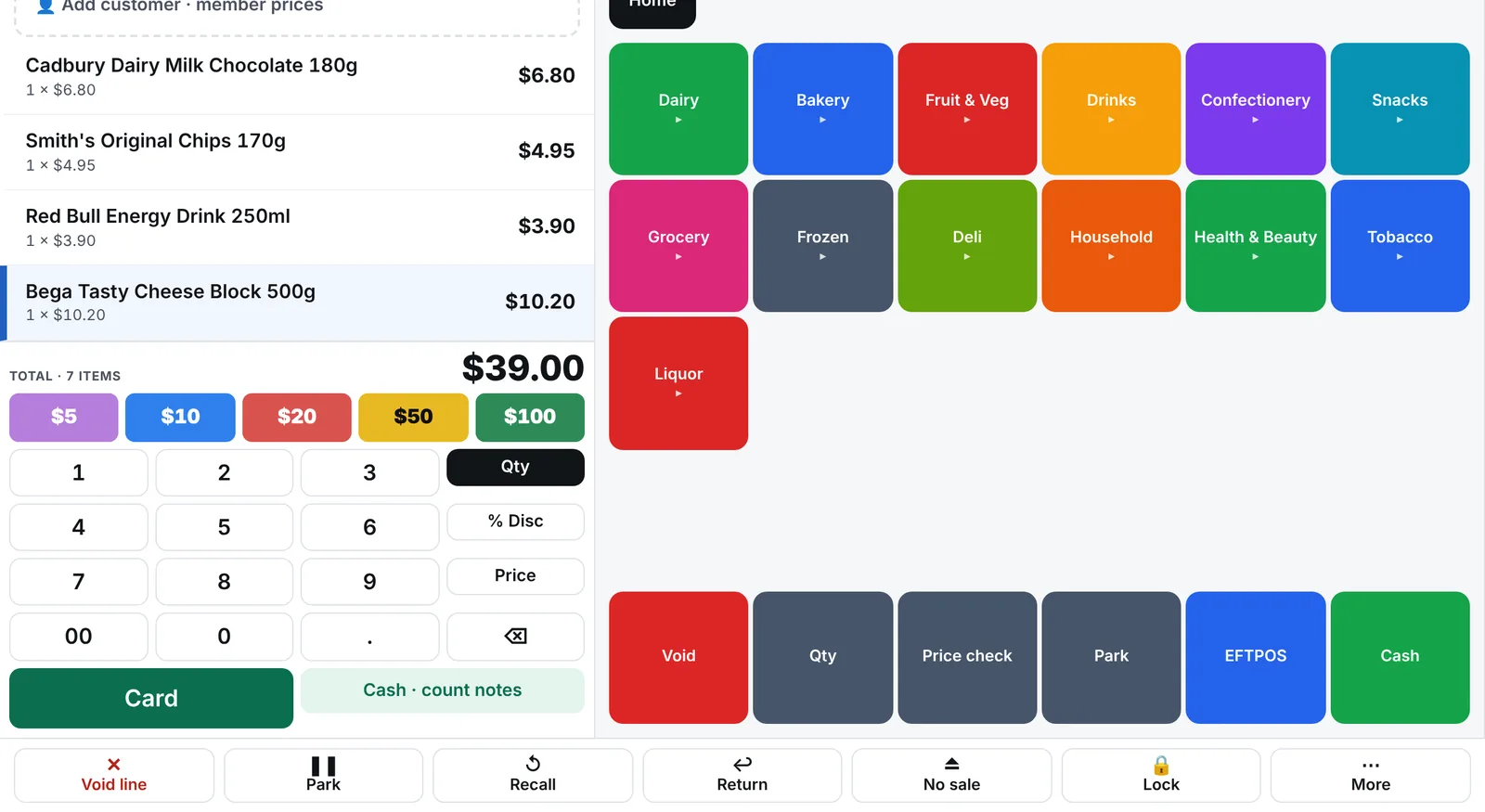
Run the new system next to the old one. We load your products and prices into BetterRetailer, put it on one till beside your current POS, and you compare the two on real sales for as long as you like. You switch the other tills only when you're happy, and your old system keeps working until you turn it off.
What gets moved across?
Products, barcodes, departments, prices, costs and suppliers, from a Futurenet export or your buying group's host file. Staff, customer accounts and gift card balances are added in the back office; we help you move them across.
The import wizard shows every change before it's saved
Duplicate and missing barcodes are flagged for you to fix
Prices you've set yourself are kept
How long does it take?
A typical store can be loaded and selling on the first till in a day. How long you run side by side is up to you; a week covers a full trading cycle and a host-file update.
What do I need to buy?
Usually nothing. The till runs on Windows touchscreen PCs, and the back office runs in a browser. Your scanners, receipt printers, cash drawers and scales generally keep working. See the hardware page.
Common questions
Can I go back to my old POS?
+
Yes. Until you switch every till, your old POS keeps working as it does today. And your data can always be exported from BetterRetailer.
Is there a contract?
+
No lock-in contract. It's month to month, with a 30-day free trial.
Who does the setup?
+
We do the import with you and help pair the first till. You'll speak to people who run a store on BetterRetailer every day.