Do I need new hardware to switch?
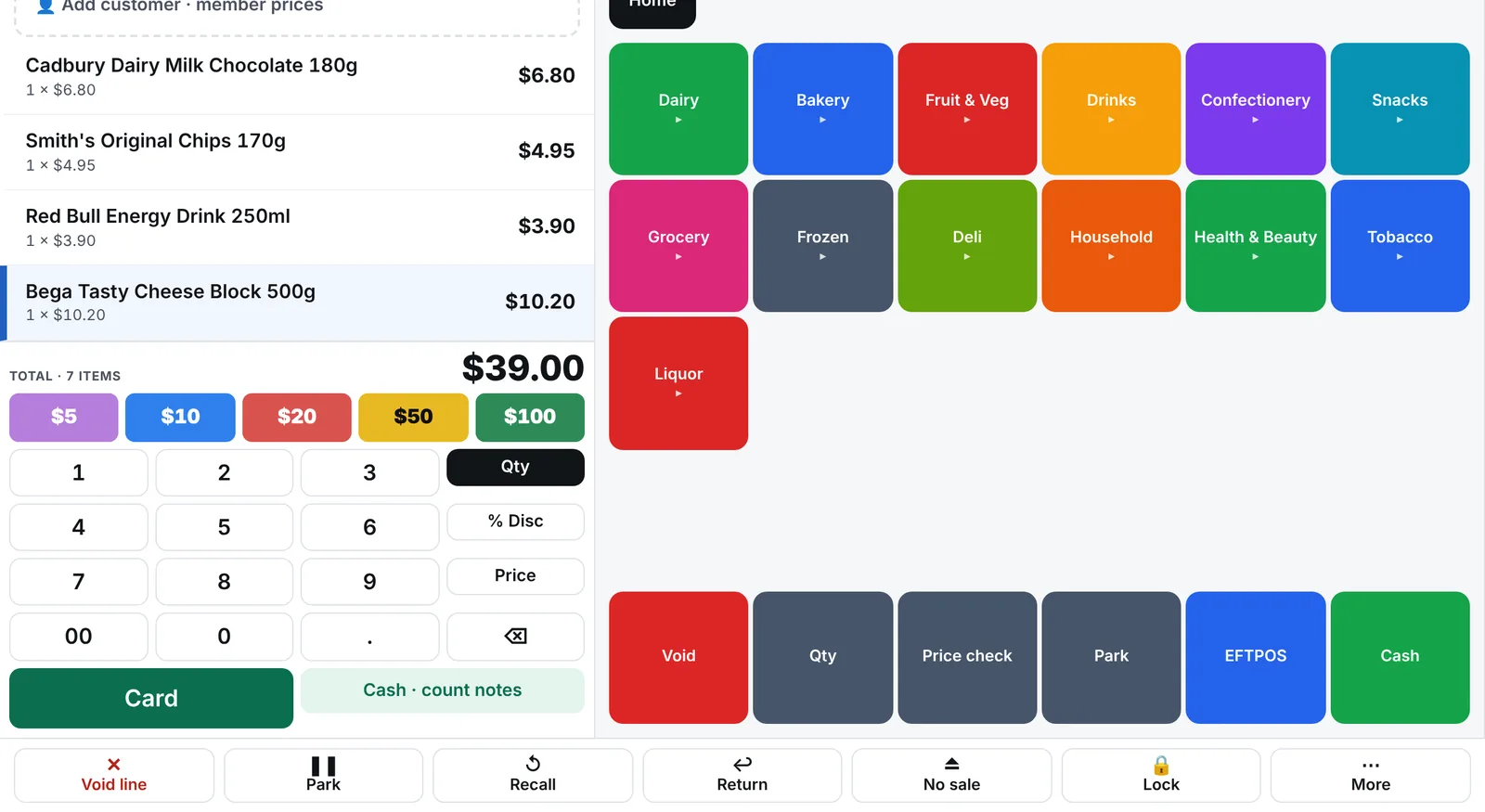
Usually not. The till runs on the Windows touchscreen PCs most stores already have, and standard scanners, receipt printers and cash drawers keep working. We'll check your equipment with you before you switch.
No proprietary terminals. If it's a Windows touchscreen with a scanner and a receipt printer, it's probably ready.
Updated
Usually not. The till runs on the Windows touchscreen PCs most stores already have, and standard scanners, receipt printers and cash drawers keep working. We'll check your equipment with you before you switch.
The till is light: it runs well on older touchscreen PCs because it keeps its data locally and doesn't need a server. If a PC does need replacing, any current Windows touchscreen will do.
| Device | What works |
|---|---|
| Till PC | Windows 10 or 11 touchscreen PC, 10-inch to 24-inch, 4 GB RAM or more |
| Barcode scanner | Any USB or Bluetooth scanner that types like a keyboard |
| Receipt printer | ESC/POS thermal printers (Epson, Star and compatibles), USB or network |
| Cash drawer | Drawers that open from the receipt printer |
| Customer display | A second monitor showing the sale and your promotions |
| Scales | Price-embedded barcode labels from deli and produce scales; item lists exported to the scale |
| Label printer | Zebra (ZPL) label printers, or A4 label sheets on any printer |
| Handhelds | Android rugged scanners (Zebra, Honeywell, Urovo) or any phone's camera |
| Back office | Any PC, Mac, tablet or phone with a modern browser |
Not yet. Use what you have or buy from any POS hardware supplier; we'll tell you what works.
Bring a host file or a Futurenet export. We'll load it and show you your store running on BetterRetailer, next to your current POS.