Which handhelds work?
Rugged Android scanners with a built-in barcode reader (Zebra, Honeywell, Urovo and similar) and any Android phone or iPhone using the camera. The scanner trigger works like a keyboard, so there are no drivers to install.
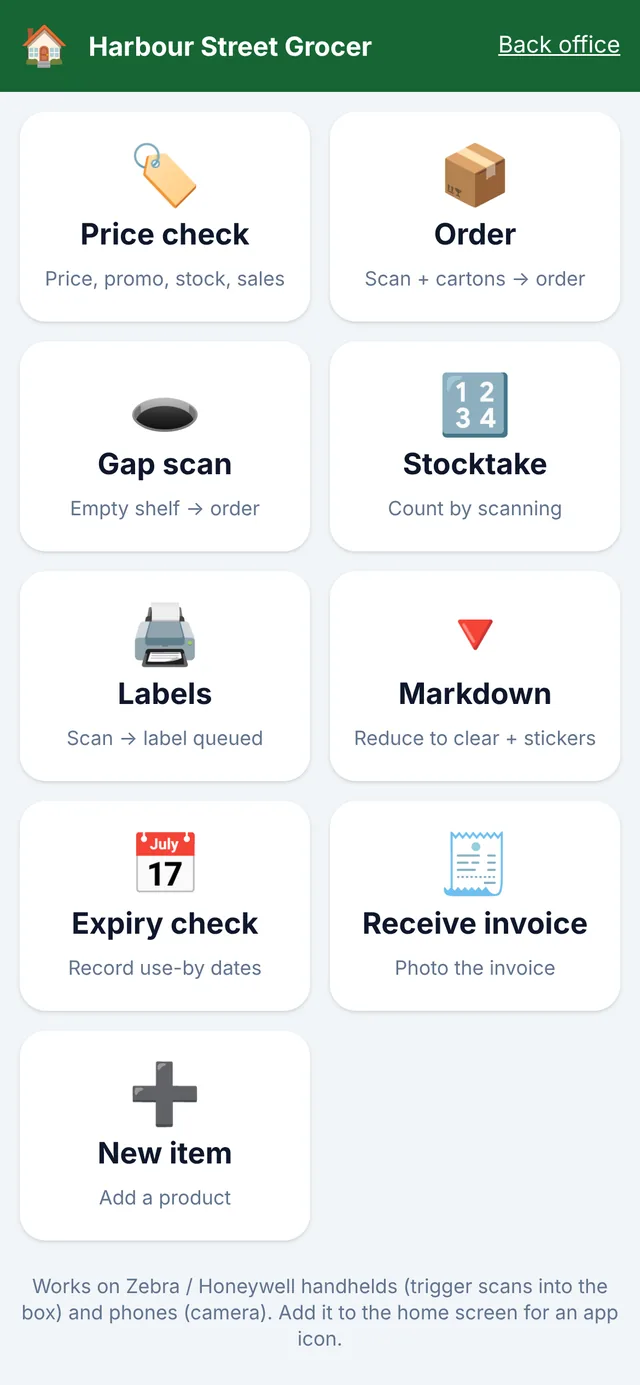
Price checks, orders, stocktakes, deliveries, labels and expiry, on a rugged Zebra or Honeywell scanner or any phone. No clipboard, no re-keying.
Updated
Rugged Android scanners with a built-in barcode reader (Zebra, Honeywell, Urovo and similar) and any Android phone or iPhone using the camera. The scanner trigger works like a keyboard, so there are no drivers to install.
Everything that happens in the aisles.
Scans are saved on the device and sent when it reconnects, so a count is never lost to a Wi-Fi dead spot.
No. Start with a phone; add rugged scanners when you're doing big counts. They don't need a licence fee per device.
Only if you allow it. Sales and margin figures are hidden for staff without those permissions.
Bring a host file or a Futurenet export. We'll load it and show you your store running on BetterRetailer, next to your current POS.