How does expiry tracking work?
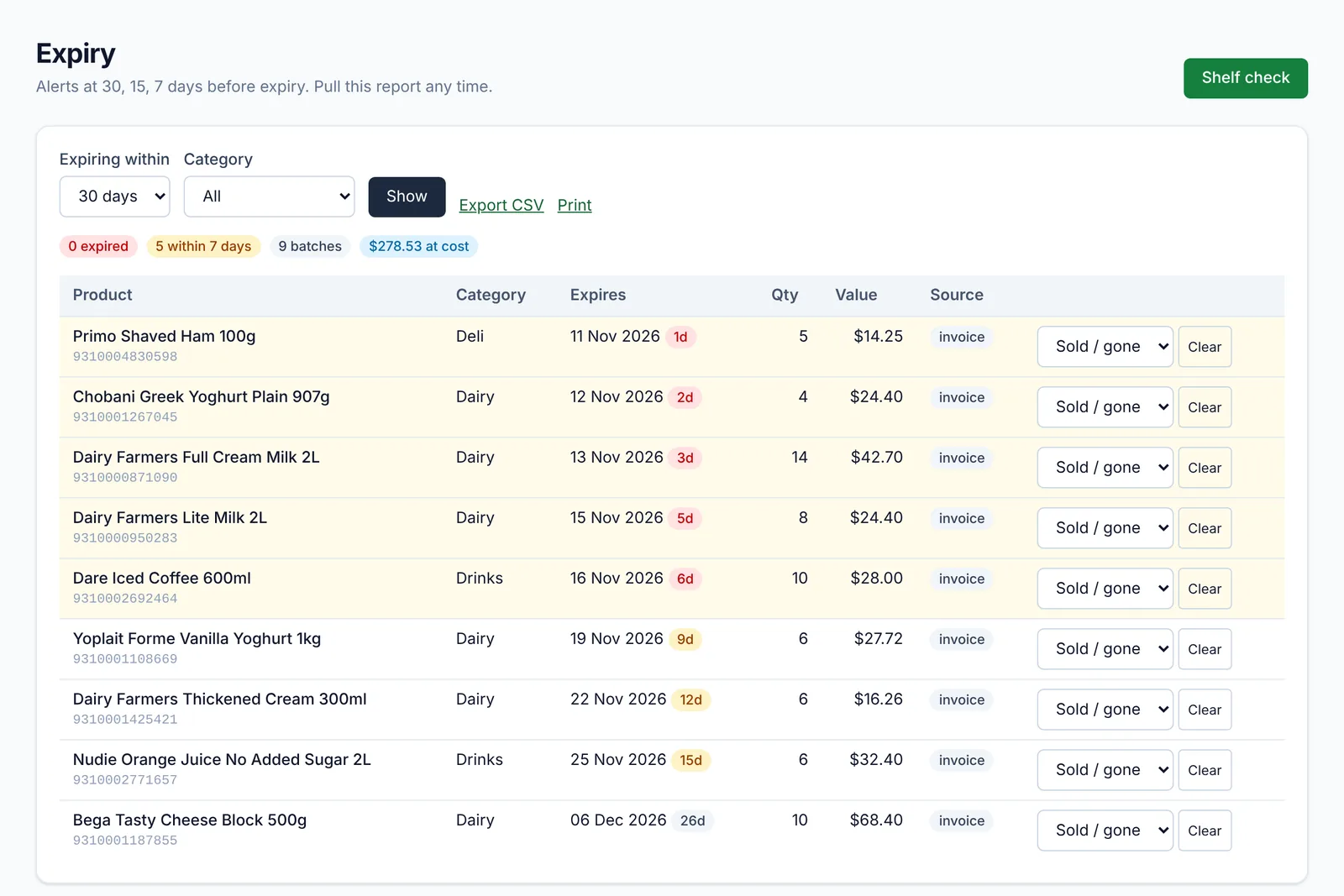
For each product you choose: record expiry when it's received, check it on the shelf, or don't track it. Dates are stored per batch. Alerts go out at 30, 15 and 7 days (you can change these), and the expiry screen suggests markdowns for stock close to its date.
Do I have to close for a stocktake?
No. Count one aisle, department or supplier at a time on handhelds while you trade. Daily cycle counts pick a few items each day so your stock stays accurate without a big count.
Can I see where stock goes missing?
The shrink report shows wastage, write-offs, stocktake differences and markdowns, at cost and as a percentage of sales, so you can see what's being lost and where.
What about markdown stickers?
Print a markdown sticker with its own barcode; the till charges the reduced price and the sale is tracked so you can see how much markdowns recover.