Skip to content

Moving from Futurenet, step by step

We ran our own store on Futurenet before building BetterRetailer, so the move is one we know well.

Updated

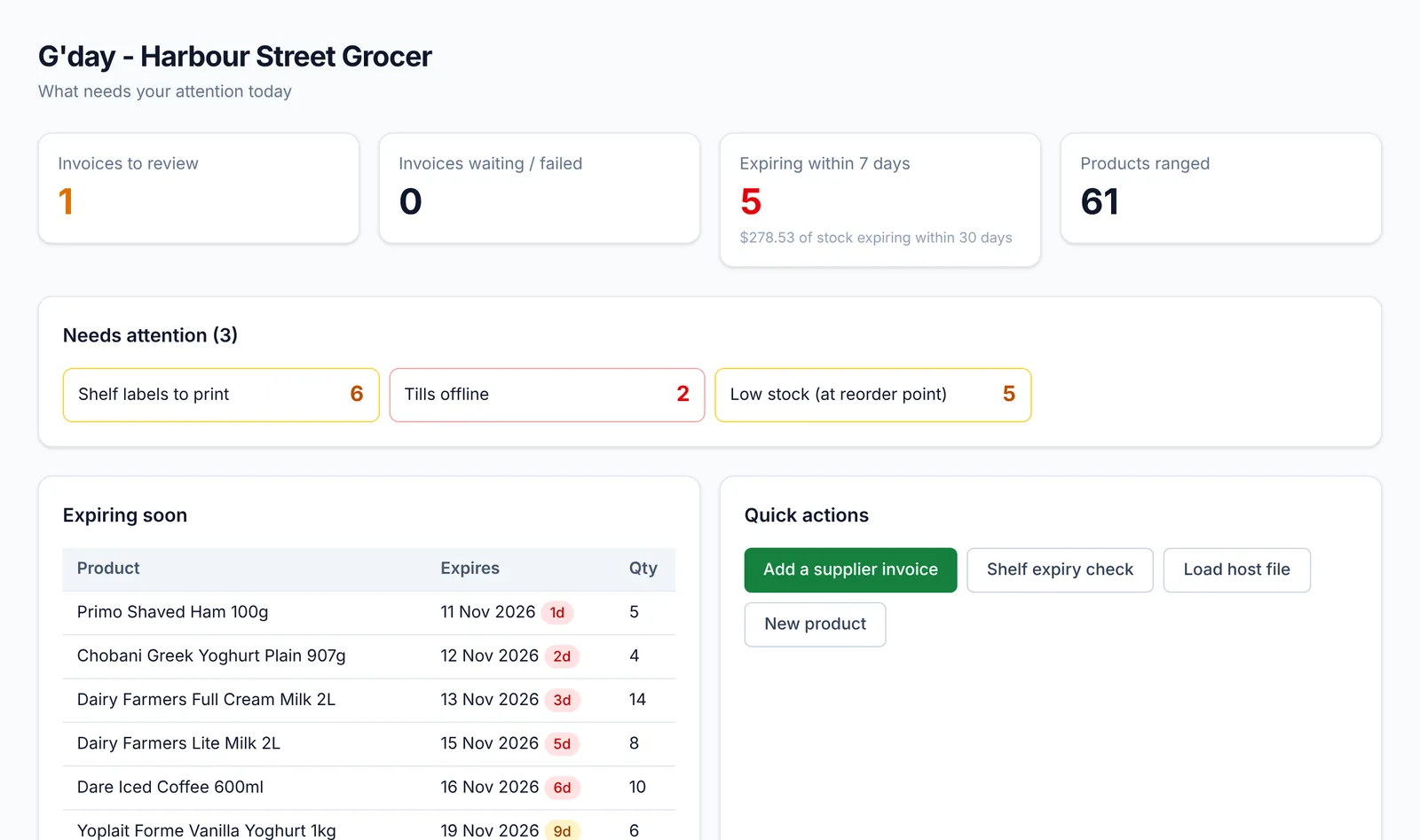
Back office dashboard for Harbour Street Grocer: invoices to review, items expiring within 7 days, products ranged and a list of stock expiring soon

How do I move my products from Futurenet?

Export your product file from Futurenet as a CSV and load it in the BetterRetailer import wizard. Barcodes, descriptions, departments, prices, costs and suppliers are mapped automatically and you see every change before it's saved.

Will my scale labels still scan?

Yes. BetterRetailer reads the same style of price-embedded barcodes (the 27-prefix format) that Futurenet scale labels use, so labels from your deli and produce scales scan at the new till.

Can Futurenet and BetterRetailer run at the same time?

Yes. Put BetterRetailer on one till and leave Futurenet on the others. They don't interfere with each other. Compare the day's takings in both, then move the next till across when you're ready.

What's different day to day?

The back office is in the browser, so you can manage prices and stock from your phone or a handheld; supplier invoices can be photographed instead of typed; expiry dates are tracked; and you get a daily summary email and phone alerts.
Common questions

Do I need to tell my buying group?

Your buying group's host files load into BetterRetailer in the same way. If your group needs scan data or reports from your POS, tell us and we'll show you how it's provided.

What about my EFTPOS?

Keep your current provider. BetterRetailer works with Tyro, bank terminals (through Linkly), Windcave, Smartpay, Zeller and others. Today the terminal runs standalone; integrated payments arrive provider by provider, starting with Linkly and Tyro.

See it on your own products

Bring a host file or a Futurenet export. We'll load it and show you your store running on BetterRetailer, next to your current POS.

Switching from Futurenet POS to BetterRetailer